

Last Updated on June 17, 2026
Have you ever wished your kids or passengers could enjoy their favorite movies or games while you focus on the road? Rear-seat entertainment systems make that possible, turning your car into a mobile theater or gaming zone.
But how exactly do these systems work? Understanding the magic behind the screens can help you choose the right setup for your vehicle and make every trip more enjoyable. Keep reading to discover how these systems bring fun and convenience right to your backseat.
Credit: carbuzz.com
Key Components
Rear-seat entertainment systems have several key parts. Each part plays a role in creating a fun experience.
Understanding these components helps you know how the system works inside your car.
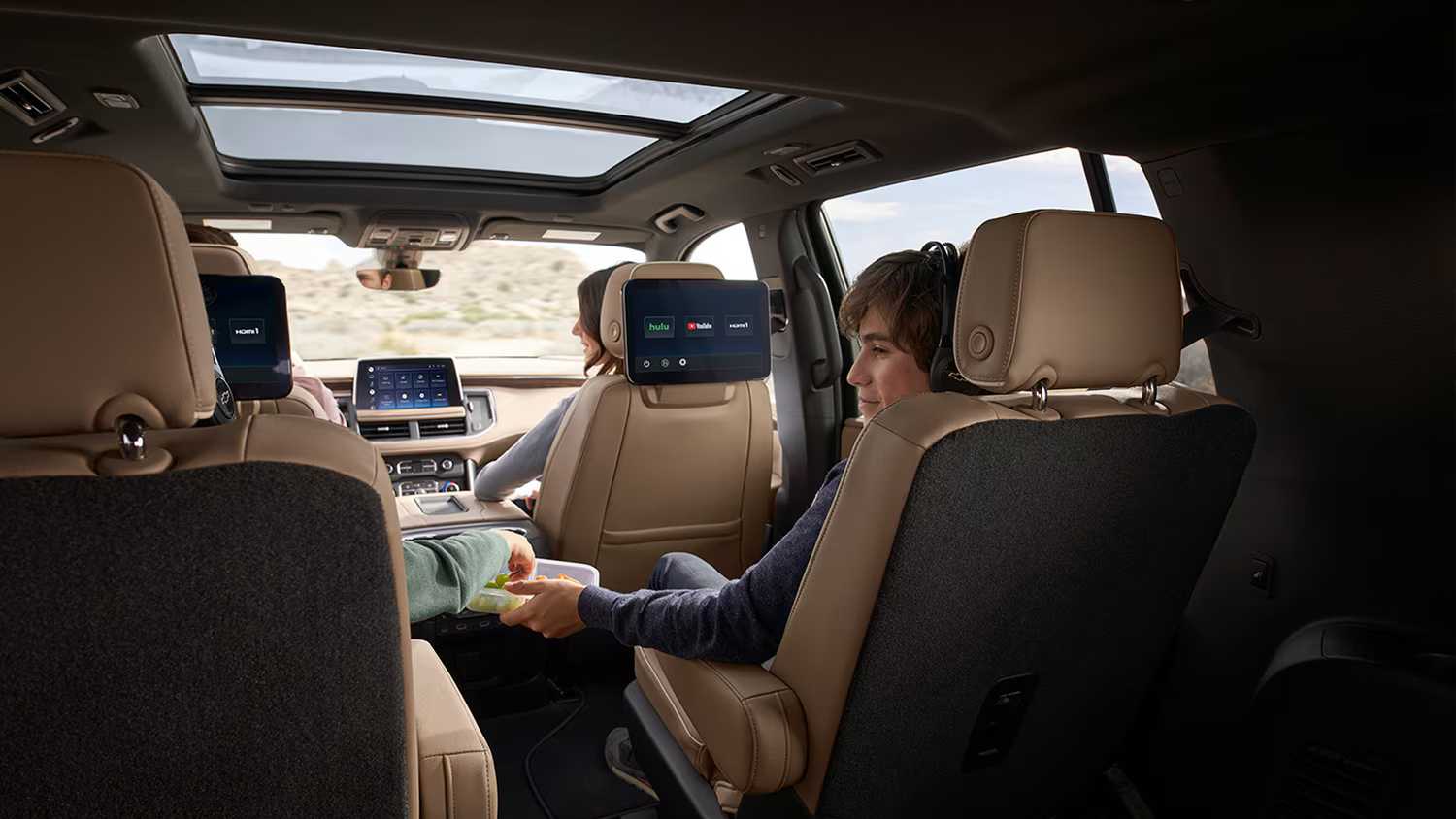
Screens And Displays
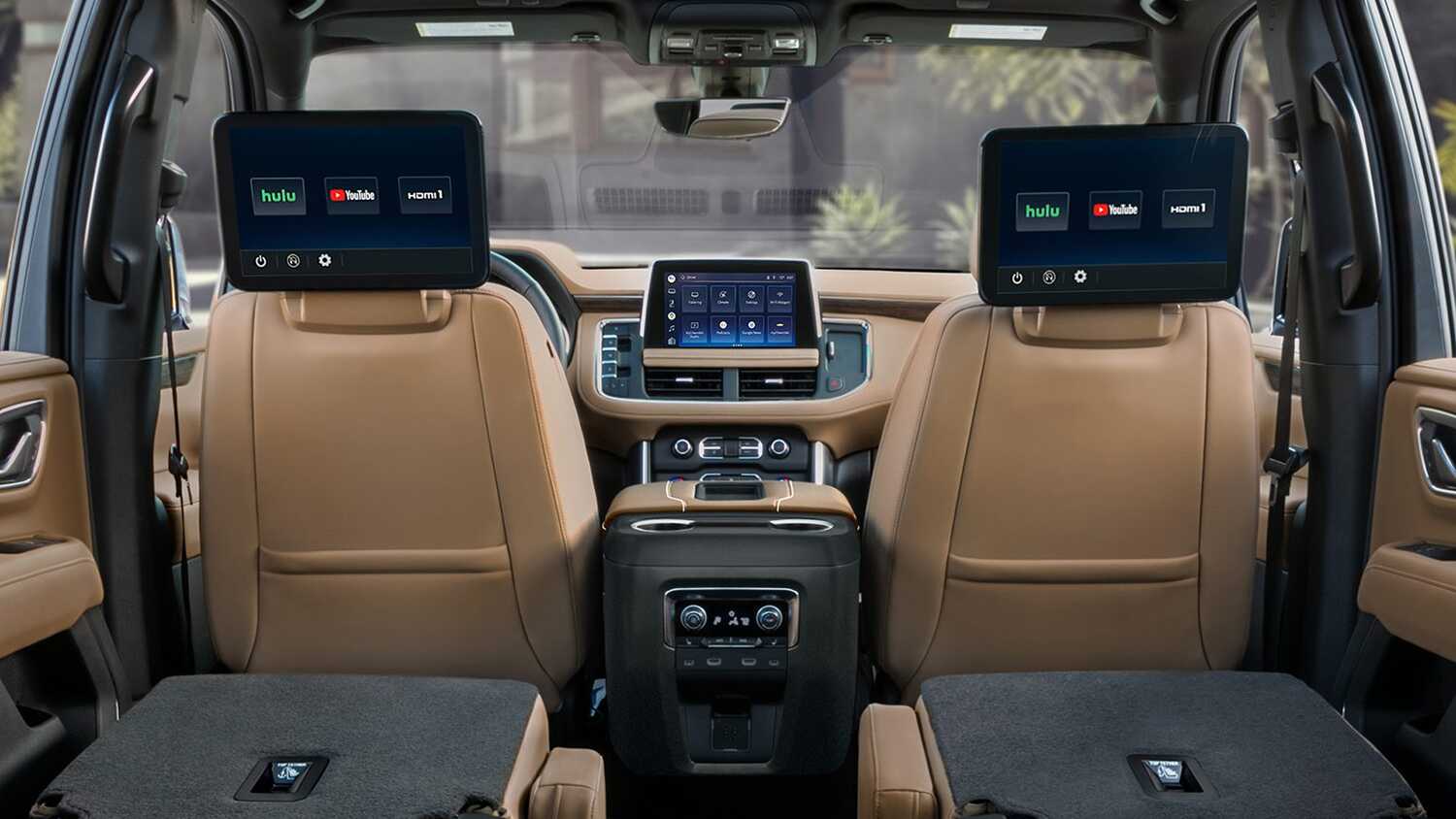
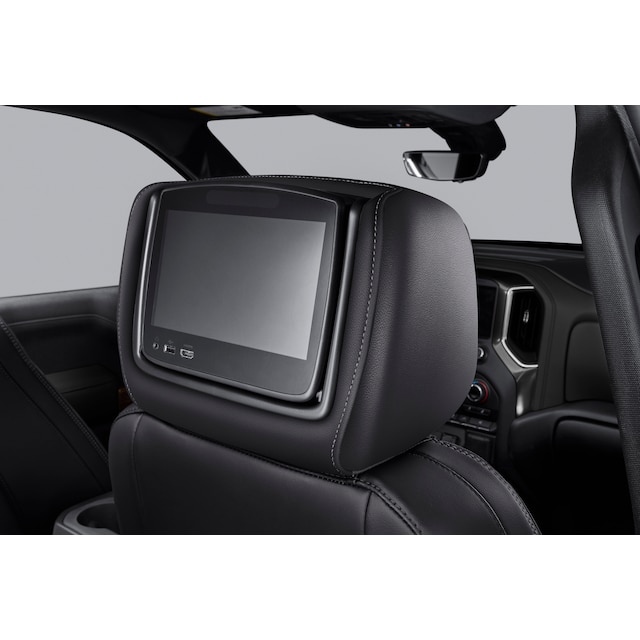
Screens show the videos, games, or apps to passengers. They come in different sizes and types.
Most systems use LCD or LED screens for clear and bright images. Some fold down from the ceiling.
- Built-in screens on seat backs
- Flip-down ceiling monitors
- Portable tablets or screens
Audio Systems
Audio systems let passengers hear sounds from movies or music clearly. They connect to the main system.
Speakers are placed near the seats or use headphones for private listening. Wireless headphones are common now.
- Built-in car speakers
- Wired or wireless headphones
- Bluetooth audio connections
Media Sources
Media sources provide the content for the system. They store or stream videos, music, and games.
Common sources include DVDs, USB drives, and streaming apps connected to the internet.
- DVD or Blu-ray players
- USB or SD card inputs
- Streaming via Wi-Fi or cellular data
Control Interfaces
Control interfaces let passengers choose what to watch or listen to. They make the system easy to use.
Controls can be touchscreens, remote controls, or apps on smartphones or tablets.
- Touchscreen panels on screens
- Handheld remote controls
- Mobile apps for smart devices
Credit: carbuzz.com
Installation Process
Installing a rear-seat entertainment system needs careful steps. Each step ensures the system works well and stays safe.
This guide covers the main parts of installation. It explains wiring, mounting screens, and connecting devices.
Wiring And Power Setup
First, connect the system to the car’s power supply. Use the vehicle’s fuse box or battery for power.
Route wires carefully under seats and panels. Avoid sharp edges and moving parts to prevent damage.
- Use proper fuses for safety
- Secure wires with clips or ties
- Check connections before finalizing
Mounting Screens
Choose a stable spot on the back of the front seats. Make sure passengers can see the screen clearly.
Use brackets or mounts designed for your screen size. Attach them firmly to prevent movement during driving.
- Align screens at eye level for comfort
- Check for cable access behind screens
- Follow manufacturer mounting instructions
Connecting Devices
Link the screens to media sources like DVD players or USB drives. Use HDMI, RCA, or wireless connections.
Test all devices before final assembly. Confirm video and audio work properly on each screen.
- Match input types on screens and devices
- Secure cables to avoid loose connections
- Set device settings for best playback
Features And Functions
Rear-seat entertainment systems provide fun and comfort for passengers. They offer many features to keep riders busy on long trips.
These systems use modern technology to give users control over what they watch, play, and listen to.
Touchscreen Controls
Touchscreen controls make it easy to operate the entertainment system. Passengers can tap, swipe, and scroll to select options.
The screens are usually responsive and show clear menus for movies, games, and settings.
Wireless Connectivity
Most rear-seat systems connect wirelessly to devices. This allows streaming from smartphones or tablets without cables.
- Wi-Fi links the system to the internet
- Bluetooth pairs with headphones or controllers
- Mirroring lets you share your device screen
Gaming Options
Many systems include built-in games or support external consoles. Passengers can play solo or with others in the car.
| Type | Details |
| Preloaded Games | Simple puzzles and quizzes |
| Console Support | Connect popular game consoles |
| Multiplayer | Play with other passengers |
Streaming Capabilities
Streaming lets passengers watch movies and shows from apps. The system supports popular platforms for easy access.
Streaming features include:
- Access to video apps like Netflix and YouTube
- Support for music streaming services
- Options to download content for offline use
Credit: accessories.chevrolet.com
Maintenance And Troubleshooting
Rear-seat entertainment systems provide hours of fun on the road. Keeping them in good shape helps avoid problems. Simple care and quick fixes keep the system working well.
This guide covers common issues, regular upkeep, and software updates. Use these tips to keep your system running smoothly.
Common Issues
Some problems happen more often with rear-seat entertainment systems. Knowing these helps you fix them fast. Common issues include screens that don’t turn on or no sound.
- Screen freezes or shows a black display
- Audio does not play or is too low
- Remote control stops working
- DVD or media does not load
- Connectivity issues with wireless headphones
Regular Upkeep
Regular care keeps the system in good condition. Clean the screens gently and check connections often. Avoid harsh chemicals and rough handling.
- Use a soft, dry cloth to clean screens
- Inspect cables and plugs for damage
- Keep the system dry and avoid spills
- Store remotes safely to prevent loss or damage
- Turn off the system when not in use
Software Updates
Software updates fix bugs and improve system performance. Check for updates regularly to keep your system secure and working well. Follow the manufacturer’s instructions for updates.
- Connect the system to Wi-Fi if available
- Check the settings menu for update options
- Download and install updates carefully
- Restart the system after updating
- Contact support if updates fail or cause issues
Frequently Asked Questions
What Is A Rear-seat Entertainment System?
A rear-seat entertainment system lets passengers watch videos or play games in the car’s back seats.
How Do These Systems Connect To Media Sources?
They usually connect via USB, HDMI, Bluetooth, or built-in apps for streaming content.
Can Rear-seat Systems Work Without Internet?
Yes, they can play movies or games stored on USB drives or built-in storage.
Are These Systems Easy To Install In Any Car?
Many models offer simple installation, but some need professional help depending on the car type.
Do Rear-seat Entertainment Systems Support Multiple Users?
Yes, some systems have dual screens or wireless headphones for multiple passengers to enjoy separately.
Conclusion
Rear-seat entertainment systems bring fun to every car ride. They keep passengers busy and happy during long trips. These systems connect screens, speakers, and media players for easy use. Wireless options add comfort without tangled cords. Understanding how they work helps you choose the right setup.
Enjoy movies, music, and games on the go. Everyone in the car can stay entertained. Technology makes travel more enjoyable for all ages. Simple to use and easy to install, these systems fit most vehicles. A great addition for families and travelers alike.